
Reboot without Reboot Kexec
DzEN/DzEN @ 22 June 2026
Needs reboot PC for get new features or needed to load new kernel? but had trouble on it? example for me had error battery, cause when reboot had confirm physicaly (damn you HP 😡) to the laptop when remote. you can use features call kexec.
this kexec program design to load another kernel from the currently executing Linux kernel without cold boot. this tools very useful for you who needed quickly restart without going through the BIOS process (but with this process may cause minor problem, likely me had rtl-sdr usb if they fail can be recovery with this process). and sometime you had get a kernel panic error.
for arch-linux base:
-
first install packages kexec
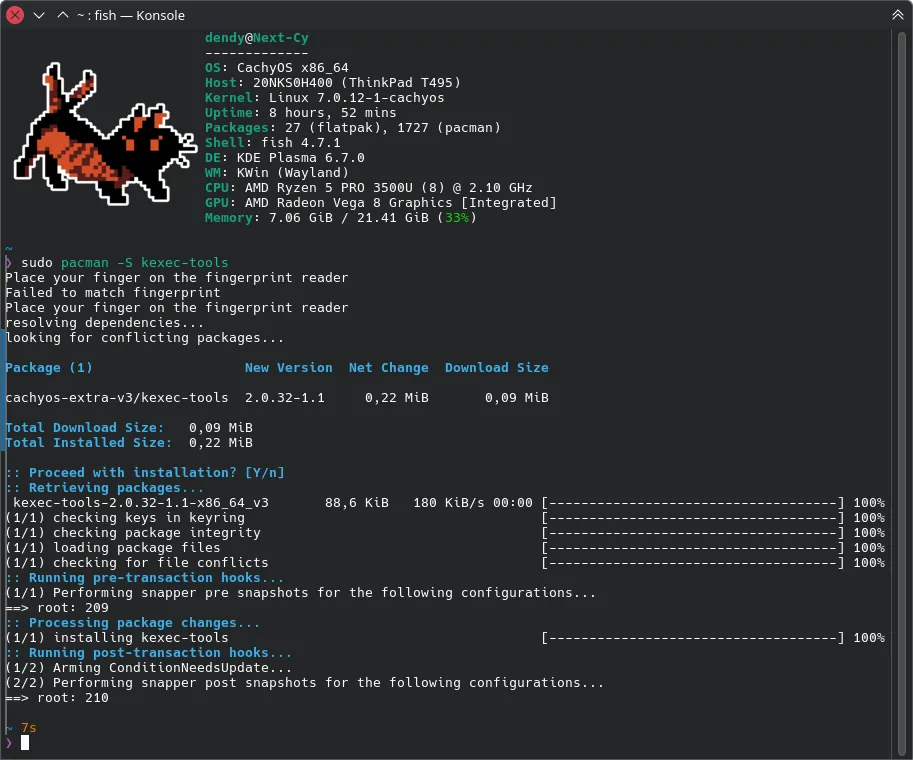 installation with pacman:
 # pacman -S kexec-tools -
be root user if you on standard user
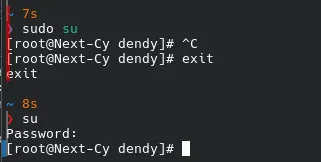 run command:
 $ sudo suor$ su, if already on root skip this - set the image/kernel:
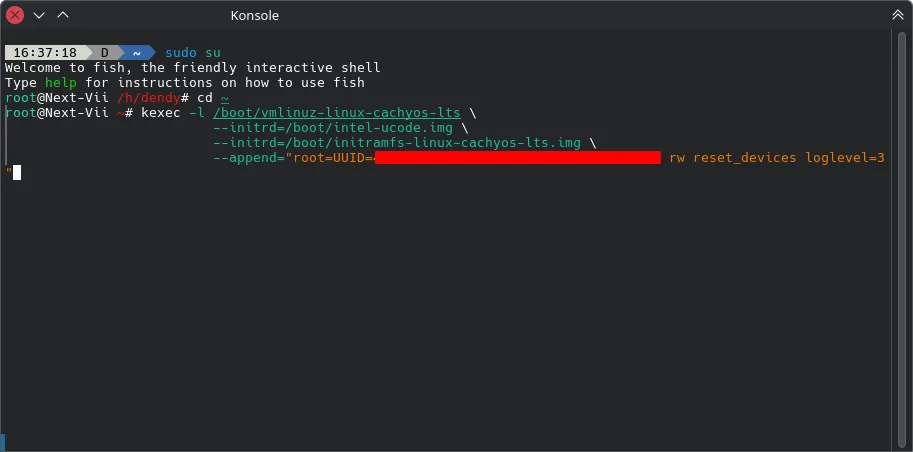 run command:
# kexec -l /boot/vmlinuz-<KERNEL_TARGET> \
                       --initrd=/boot/<UCODE_YOUR_CPU>.img \
                       --initrd=/boot/<KERNEL_TARGET>.img \
                       --append="root=UUID=<PLEASE_INSERT_YOUR_UUID_ROOT_DISK> rw reset_devices loglevel=3
or simplest:
# kexec -l /boot/vmlinuz-linux --initrd=/boot/initramfs-linux.img --reuse-cmdline - Reboot to target kernel
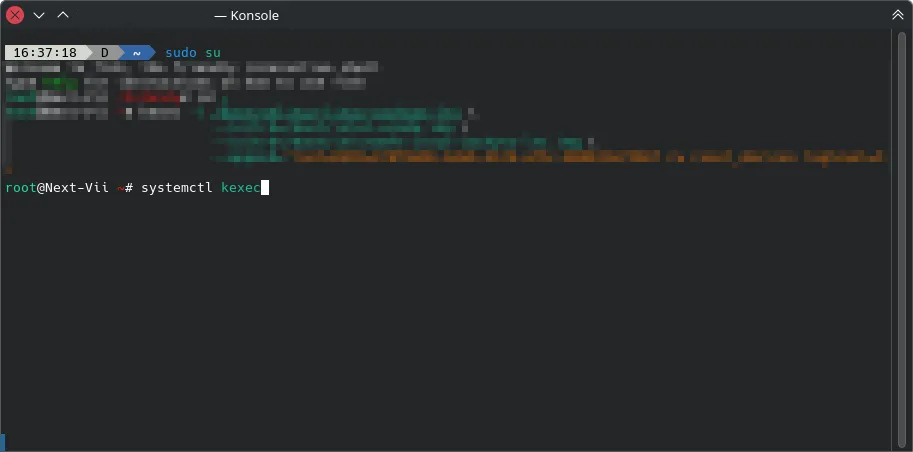 finish it with:
# kexec -e→ Not recomended: cause the command will force unmount filesystem (that may cause un-clean state)# systemctl kexec→ Recomended: let systemd handle all process unmount-reboot system
- Done!
Wait a bit until reload with new system